Hypatia Geometry
geometry diagrams in seconds
Built for teachers.
Worksheet-ready geometry diagrams in Google Docs and Slides.
 Built for teachers.
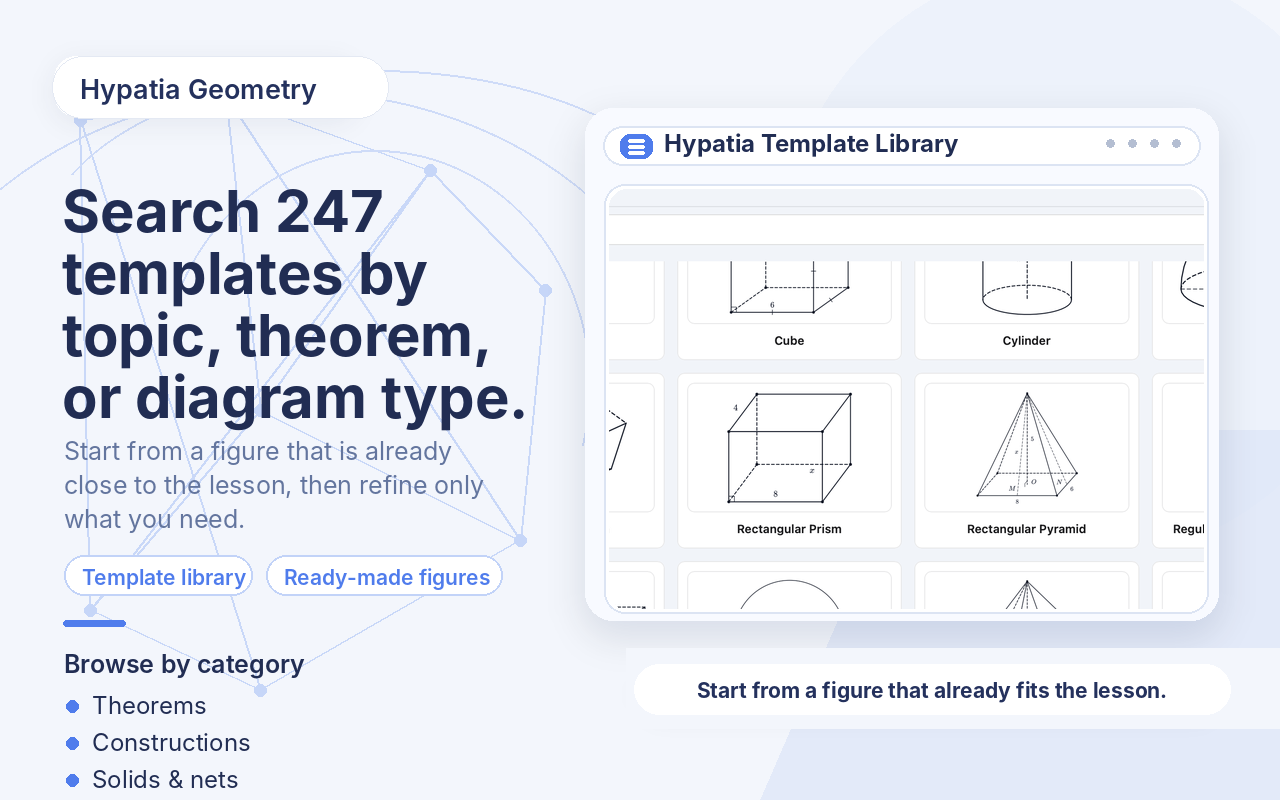
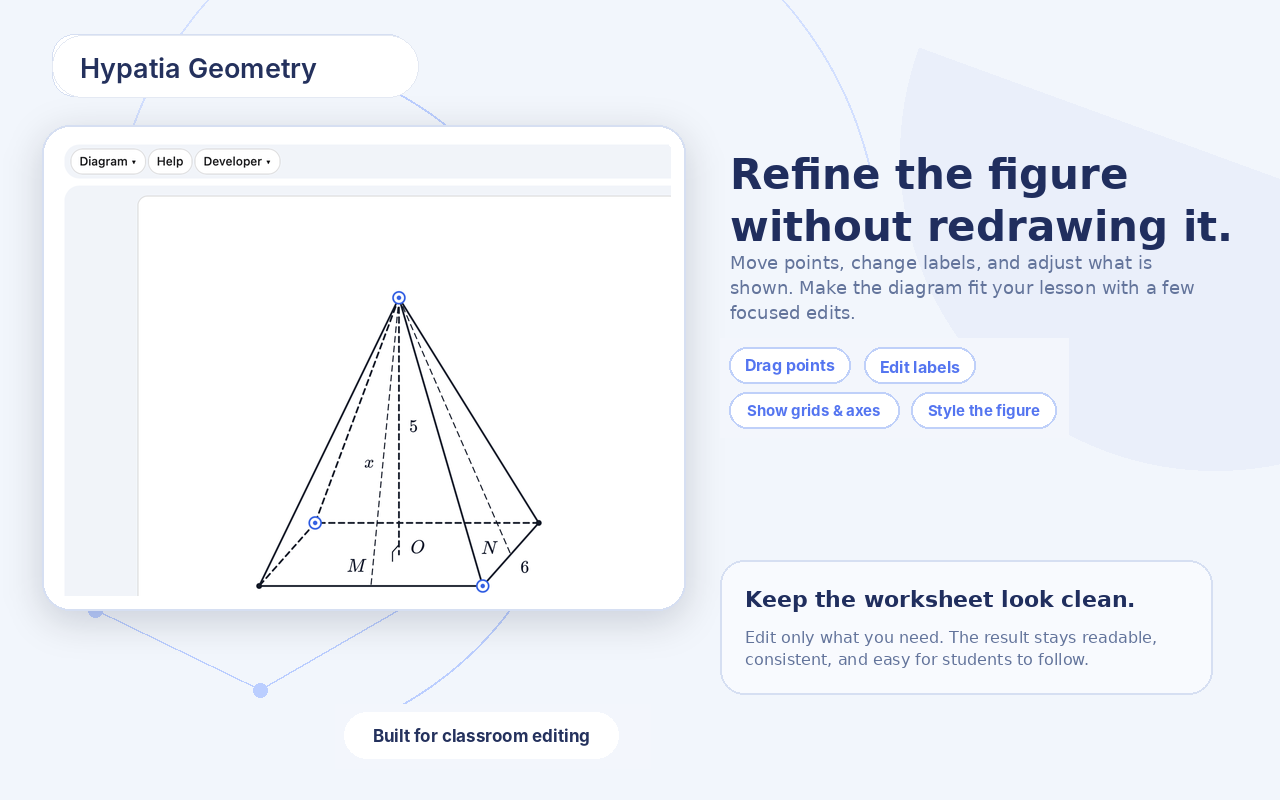
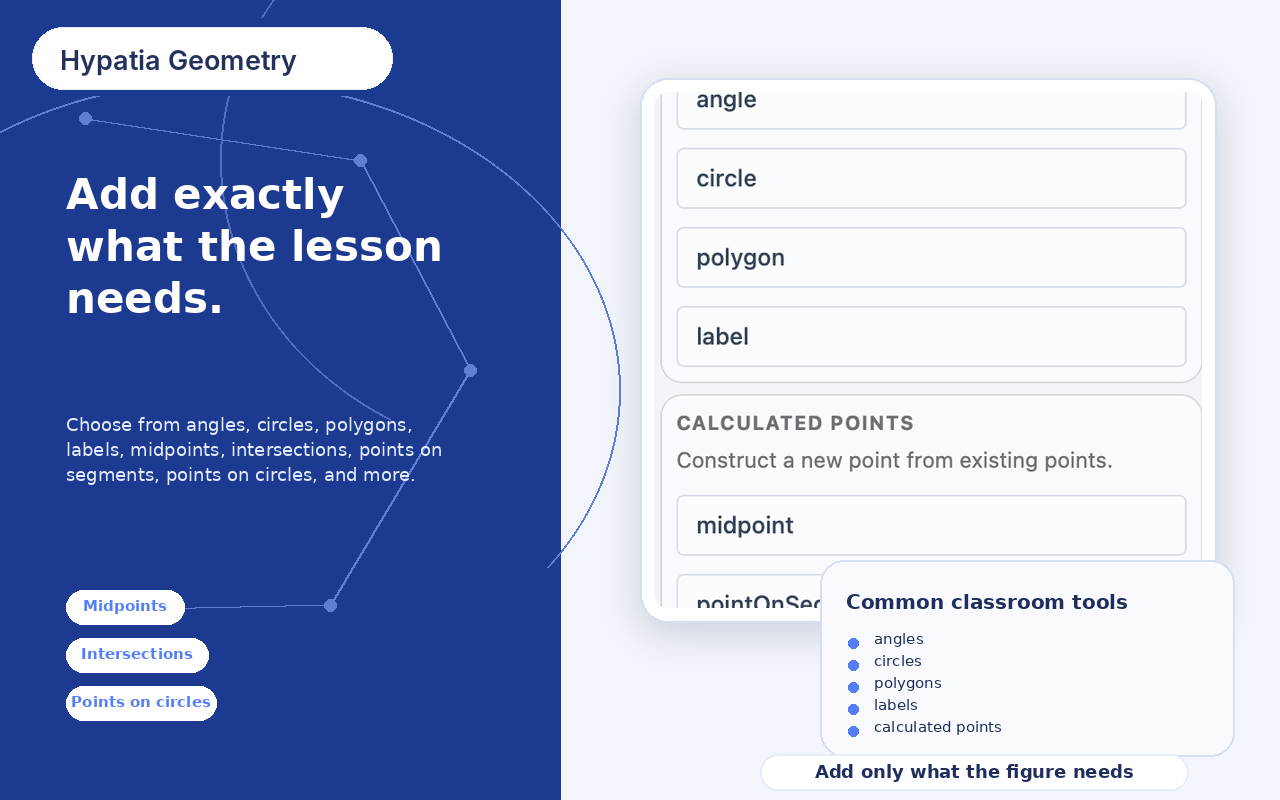
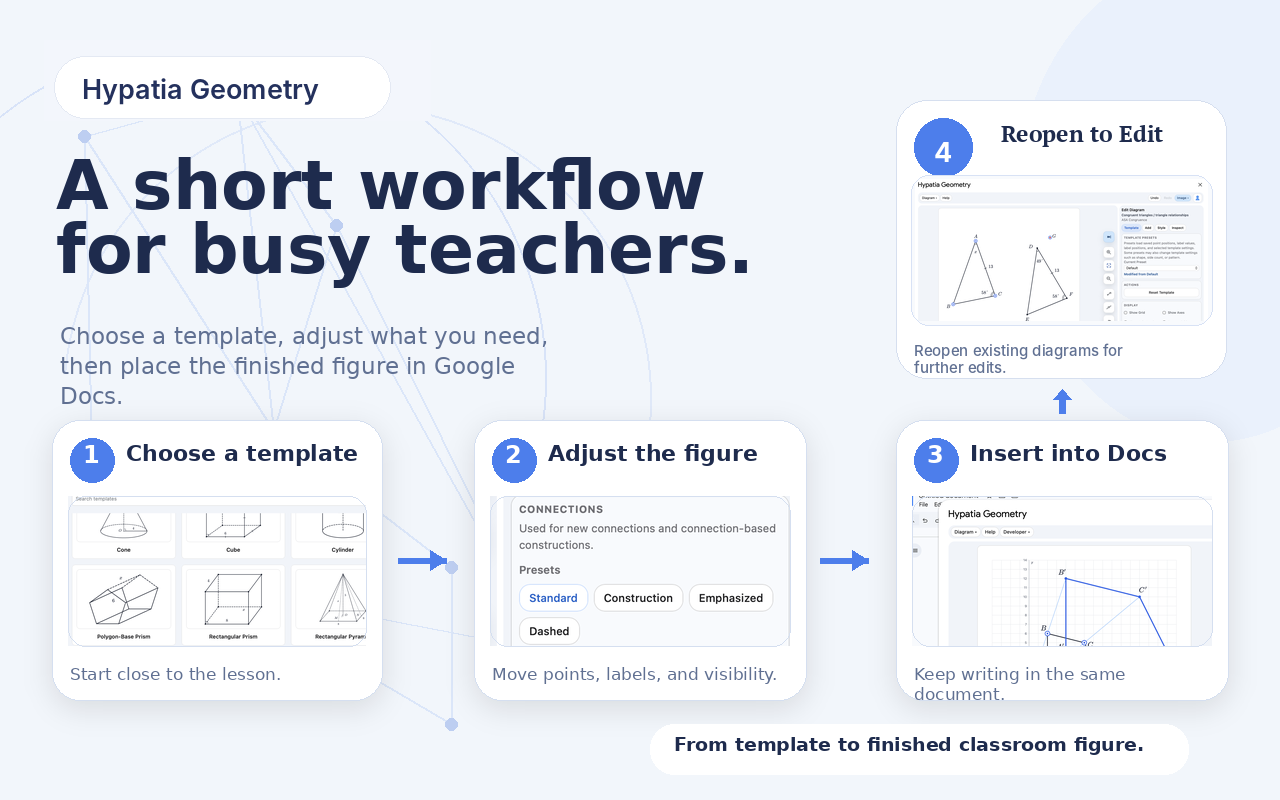
Hypatia Geometry helps teachers create clean, classroom-ready geometry figures directly in Google Docs™ and Slides™. Start with a ready-made template, make a few quick edits, and insert the finished diagram into your document. You can move points, change labels, adjust what is shown, and add common geometry objects without redrawing everything from scratch. You can also reopen diagrams already in your document for further editing by selecting them before starting the add-on.
Built for real classroom use: worksheets, homework, quizzes, tests, lesson notes, and review sheets.
Try Hypatia Geometry
Install in Google
Available now on the Google Workspace Marketplace.
Worksheet-Ready
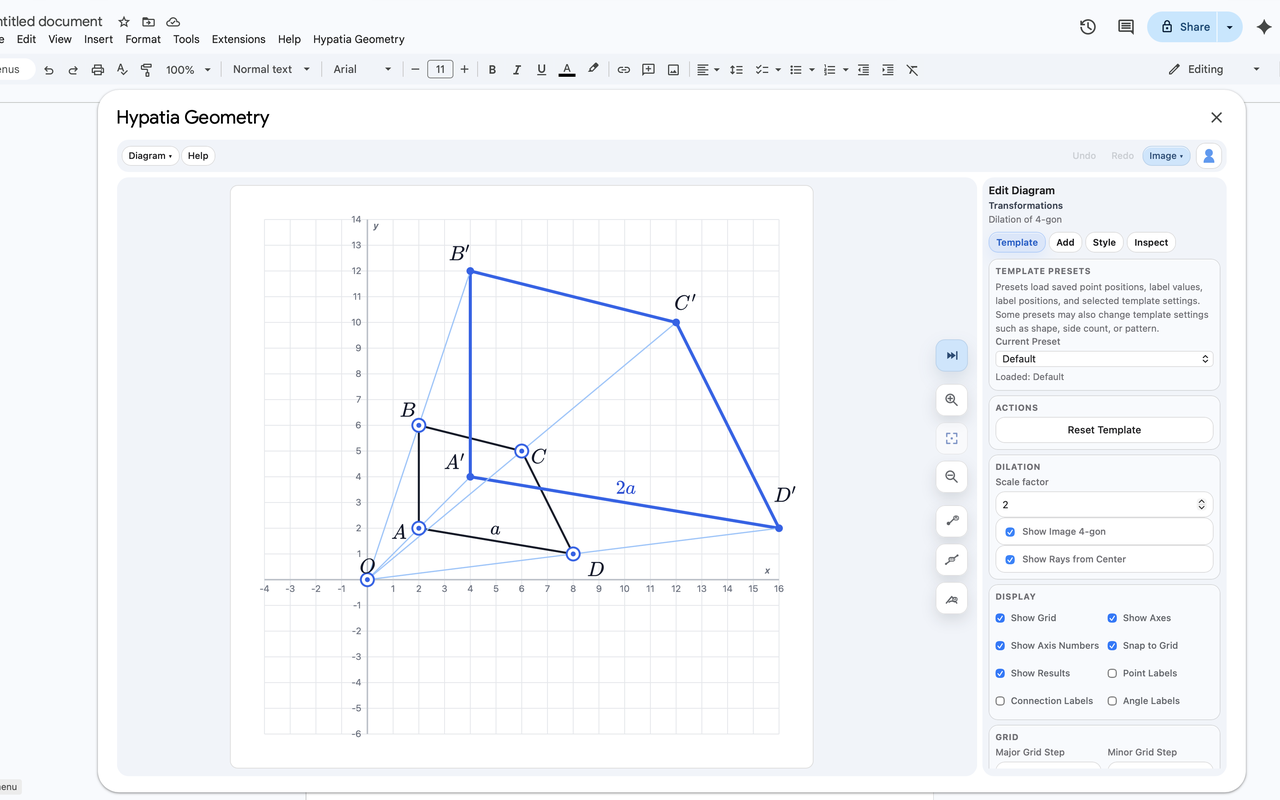
Clean, textbook-style figures designed to drop straight into worksheets, quizzes, tests, and lesson notes.
Built for Real Classrooms
Start from a template, change only what the lesson needs. No drawing tools to fight with, no formatting headaches.
Works Where You Already Work
Insert finished diagrams directly into Google Docs™ and Slides™. Reopen and edit them later by selecting the inserted image.